
AI interior design · iPhone, Android and web
Pick the pieces.
See the room.
Fuse places the furniture you're considering in your own room, or designs a room around it, so you can see the look before you buy. Every idea starts from real pieces.


Free to start. No card needed.
How it works
From a saved link to a finished room, in three steps.
-
01
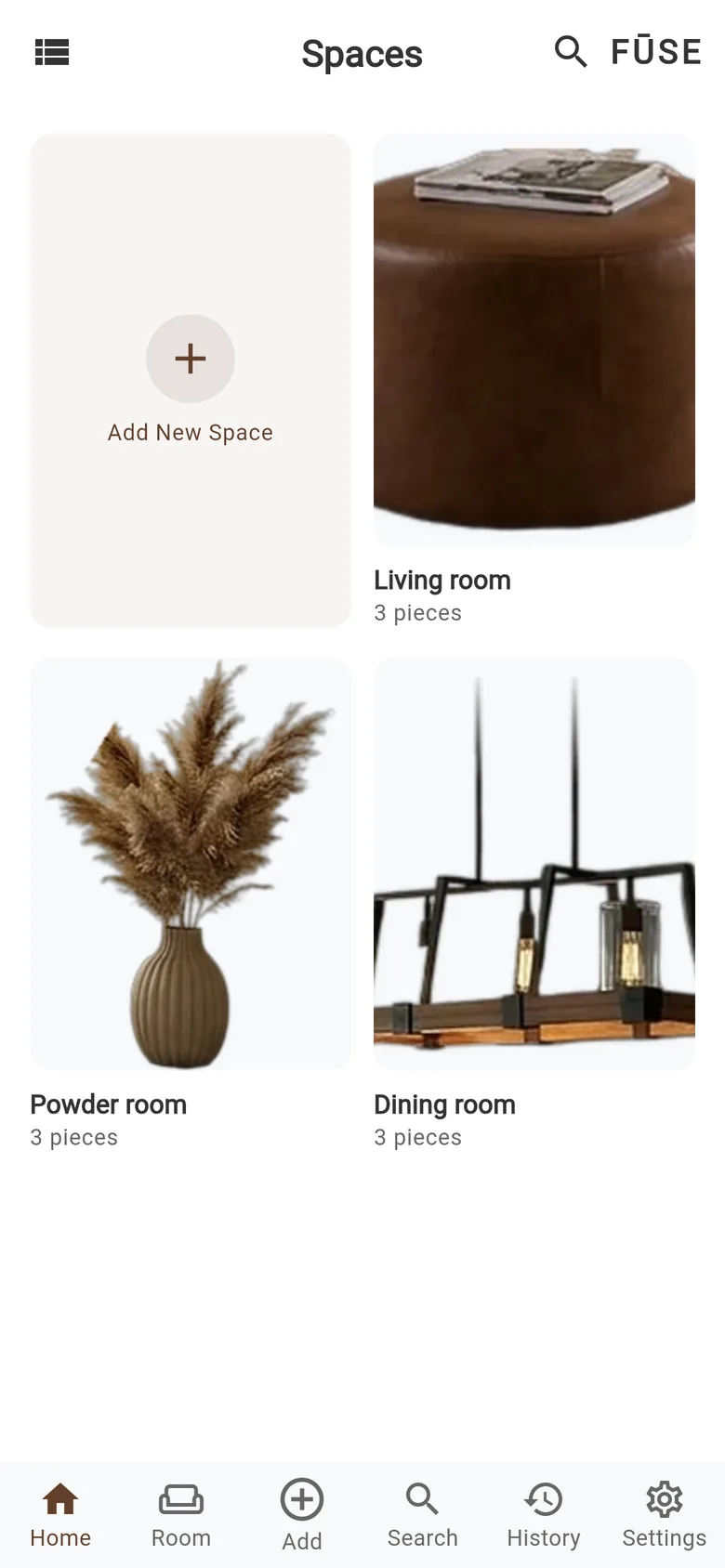
Add the pieces you're considering
Paste a product link and Fuse pulls in the name, price and photos. Or add a piece from a photo, your camera, or your Pinterest boards. Your pieces live in Spaces.
-
02
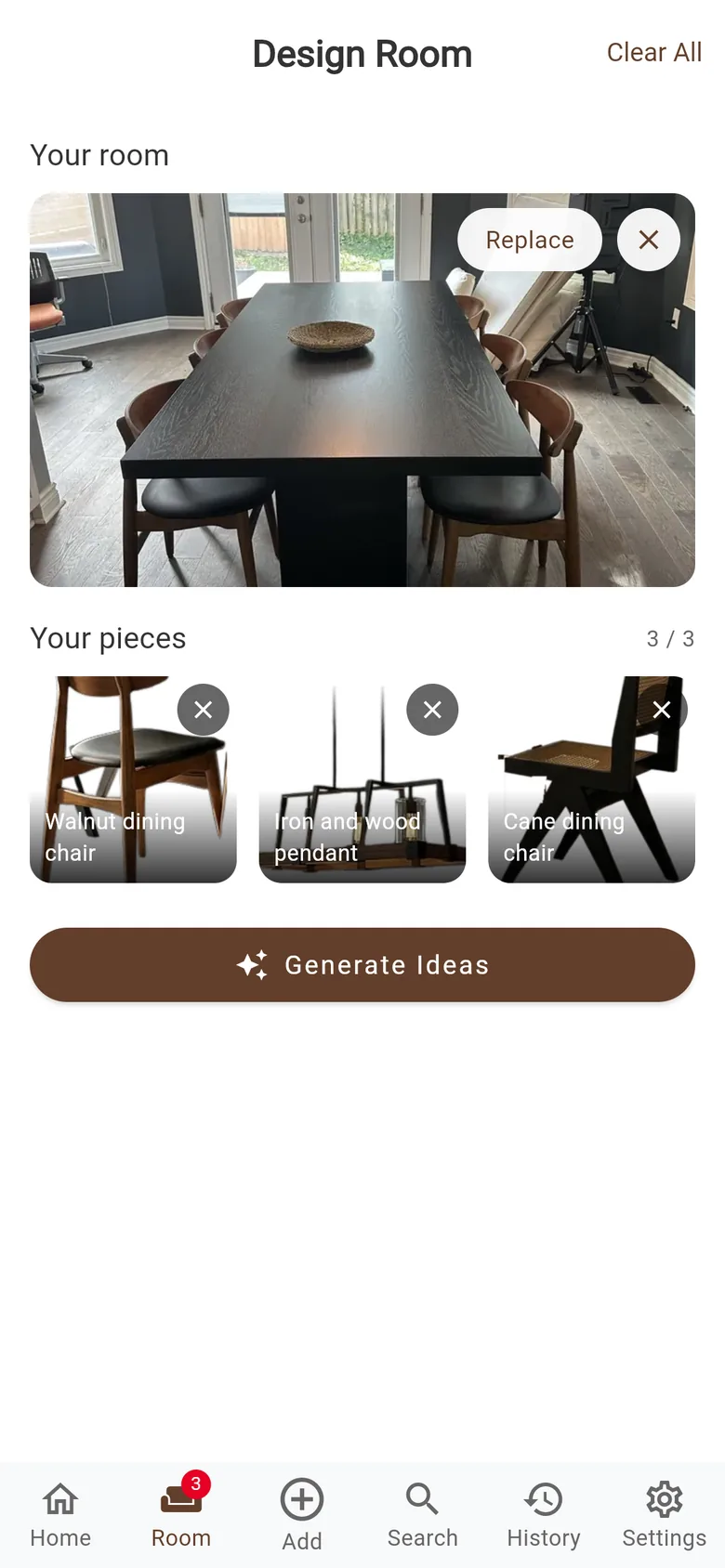
Put them in a room
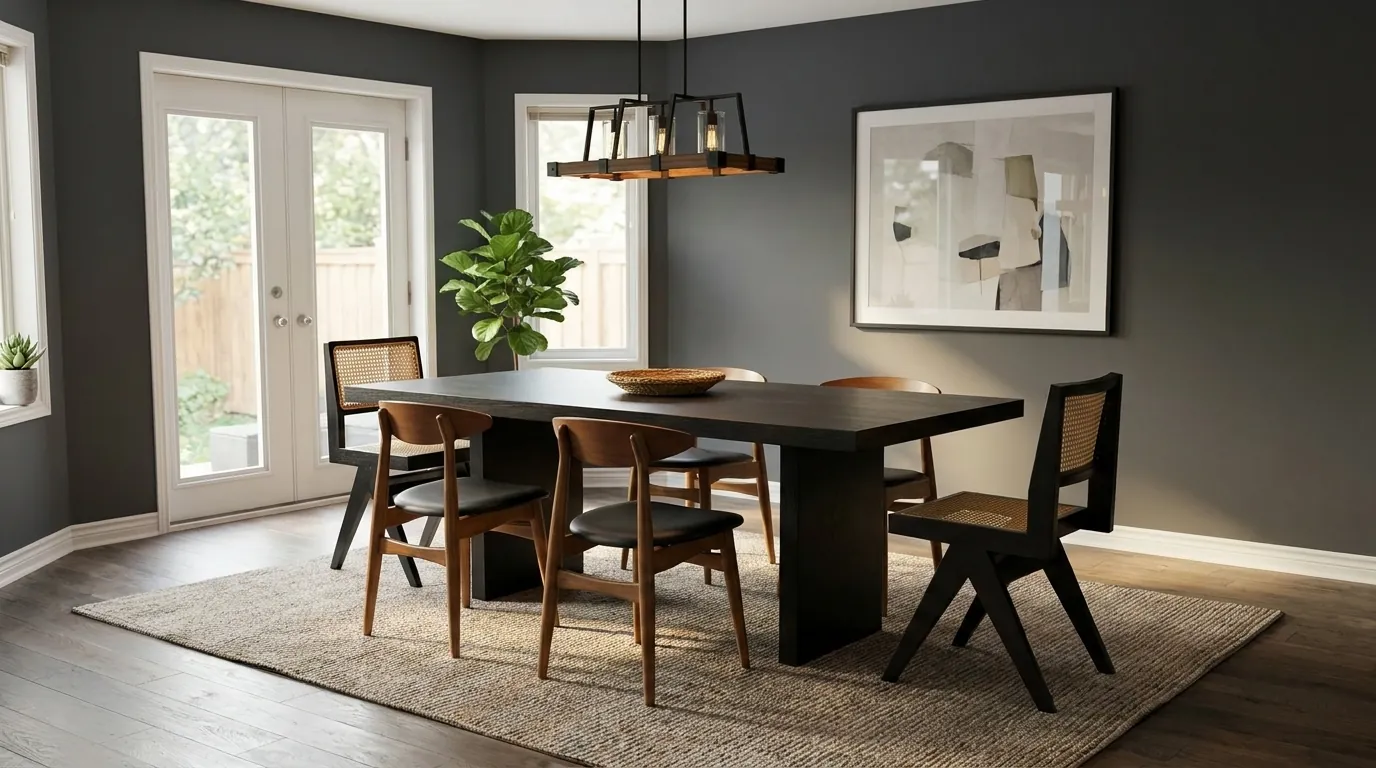
Add a photo of your room, or let Fuse design one. Choose a style, from Modern to Rustic, and generate.
-
03
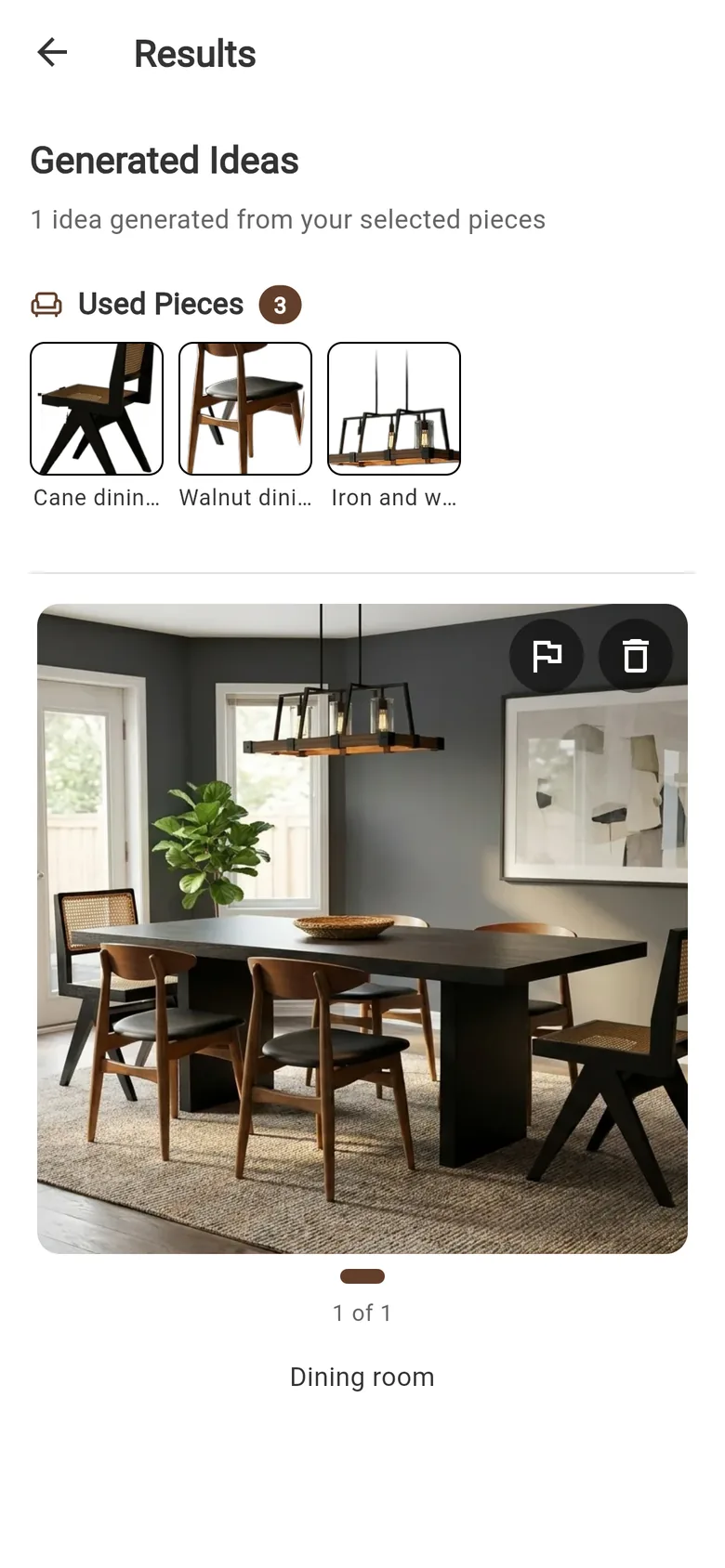
See it, then shop it
Every result lists the pieces it used, so you know exactly what to buy. Your results stay in History.
Your room, or no room
A room, the pieces you chose, the result.
Photos people added to Fuse, and what Fuse made from them.
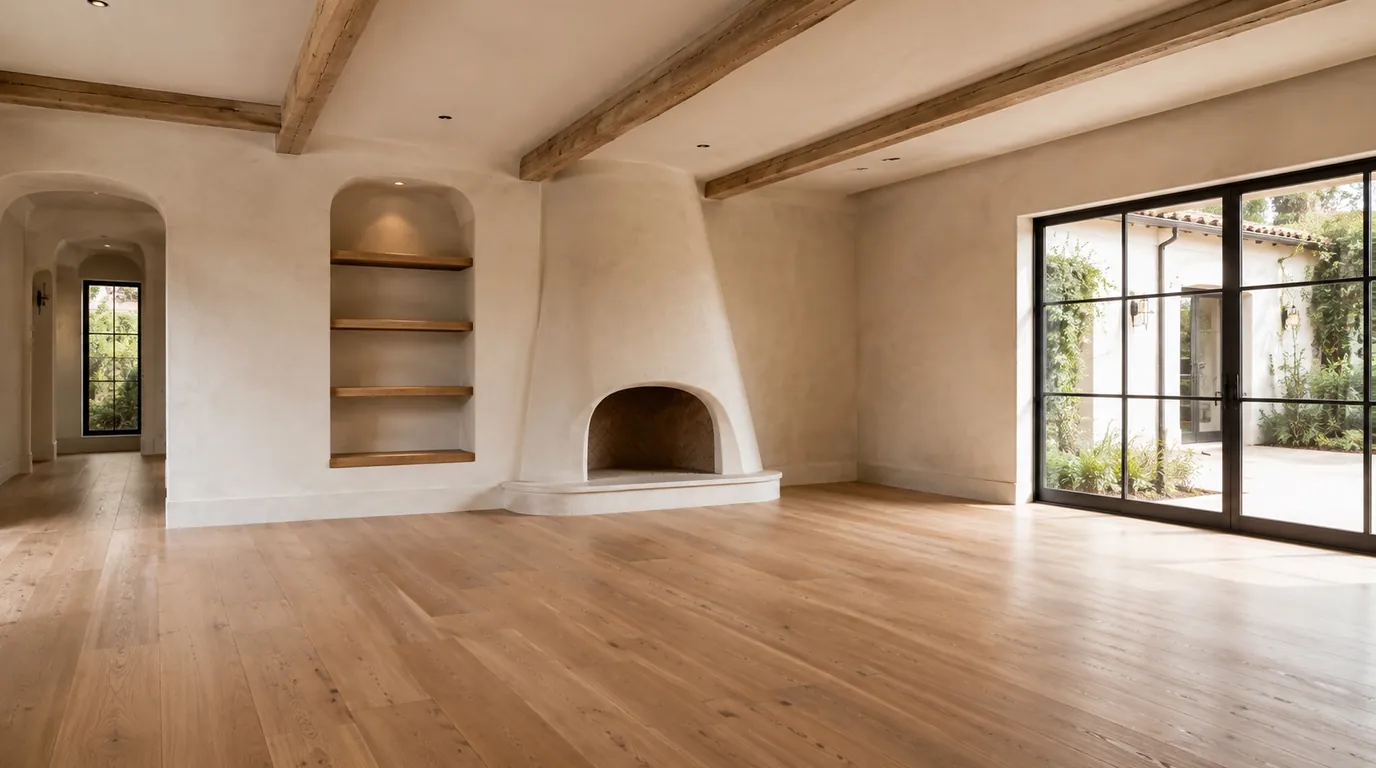
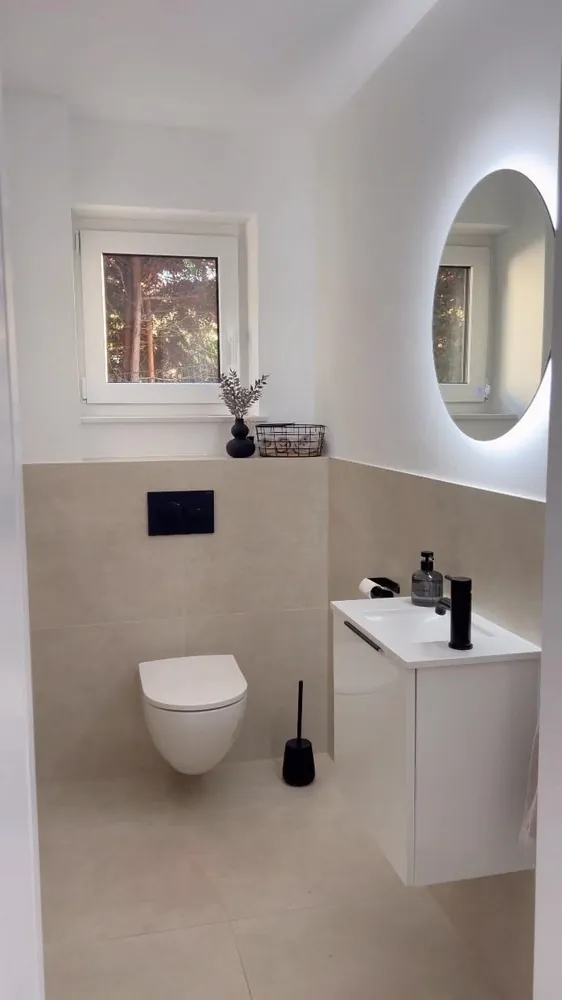 Before
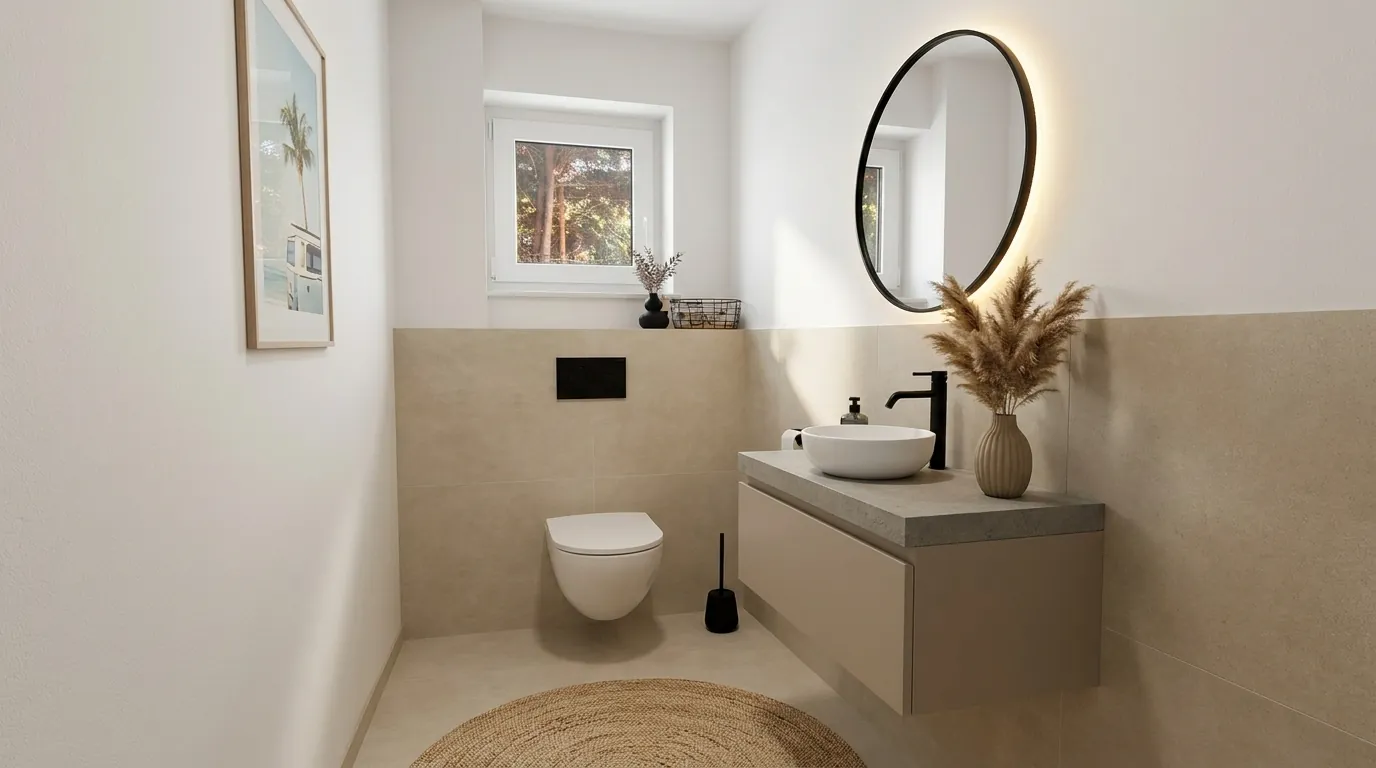 After
After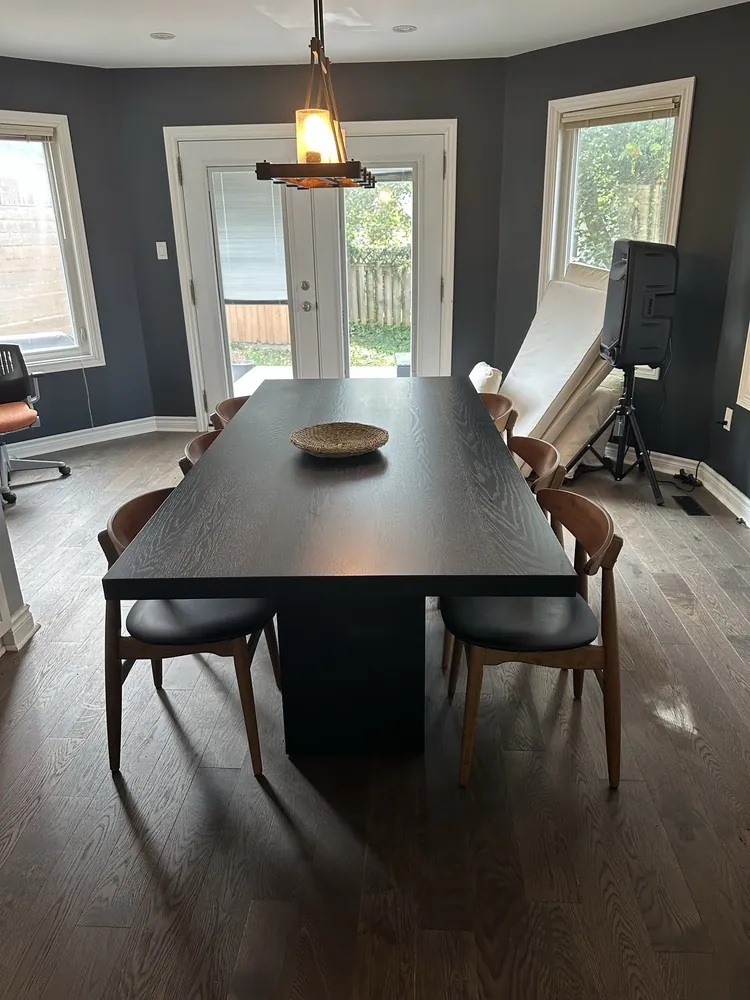 Before
 After
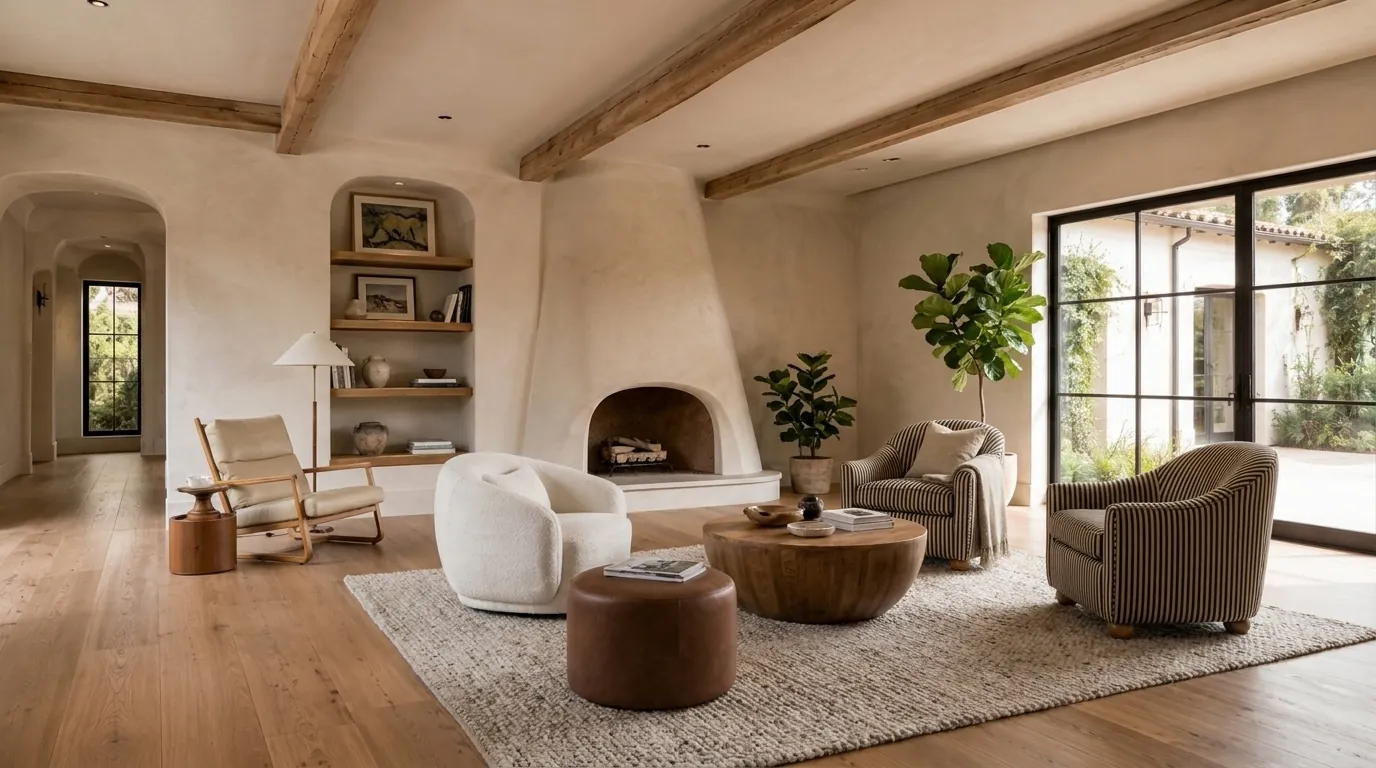
AfterNo photo of your room? Fuse designs one around your pieces.
Real pieces
Start from furniture you can actually buy.
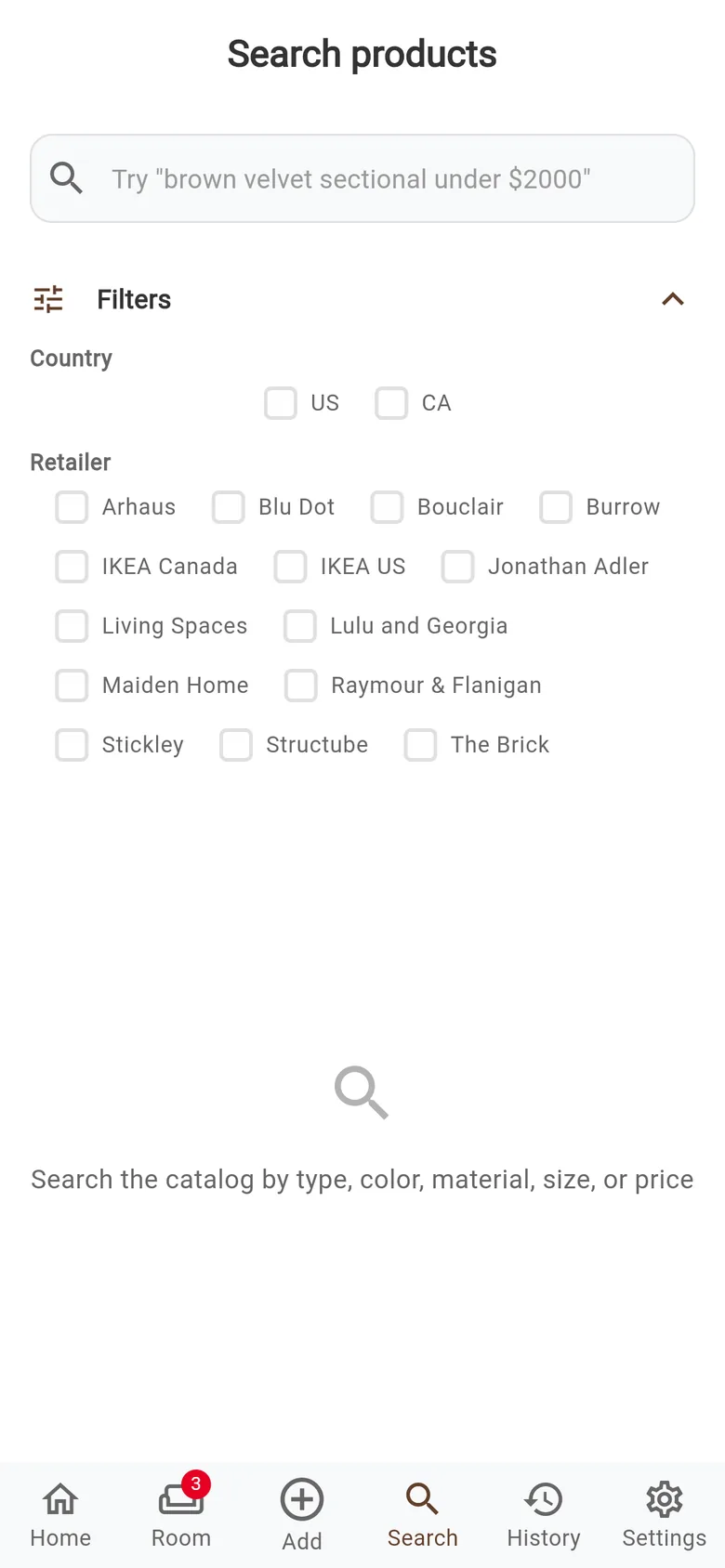
Search across 14 retailers in the US and Canada, filter by country or store, and save a piece to a Space. Or paste a link from anywhere and Fuse reads the title, price, brand and photos. In a showroom? Take a photo and tap a dot to pick the piece you want.
- Arhaus
- Blu Dot
- Bouclair
- Burrow
- IKEA Canada
- IKEA US
- Jonathan Adler
- Living Spaces
- Lulu and Georgia
- Maiden Home
- Raymour & Flanigan
- Stickley
- Structube
- The Brick
Questions
Good to know
Do I need Pinterest?
No. Sign in with Google, or with Apple on iPhone, and add pieces from links, photos or Search. If you do use Pinterest, you can bring your boards in as Spaces.
Does it work with a photo of my actual room?
Yes. Add a photo in the Design Room and Fuse places your pieces in it. Without a photo, Fuse designs a room around them.
Are the pieces real products?
Yes. Every piece comes from a product link, a retailer in Search, or a photo you added, and each result lists the pieces it used.
What does it cost?
Fuse is free to start. One credit makes one image, and the Free plan includes 10 credits a month. Plus gives you more credits and more pieces per room; its price is shown in the app for your country.
Where can I use Fuse?
On the web at onfuse.app/web, and on iPhone and Android. Sign in with the same account and your Spaces come with you.
What happens to my photos?
They are used to create your designs. Fuse runs its own analytics with no third-party trackers, and you can switch usage sharing off in Settings. The Privacy Policy has the details.
See your next room before you buy it.
Free to start on the web. Also on iPhone and Android.